
Dungeon Inn shipped on 23 October 2026 and received five hotfixes in its first week. Several of them are freezes with specific triggers, which makes this a case where reading the patch notes beats reinstalling.
The freeze that has a version attached
| Symptom | Fixed in | What the note says |
|---|---|---|
| Stuck on the initial loading screen | 1.0.0.261023.1 (23 Oct) | “We have fixed an issue where game gets stuck on the initial loading screen.” |
| Freeze when an adventurer arrives via a Porta-Portal | 1.0.0.261028.1 (29 Oct) | Fixed the freeze under certain situations when adventurers entered via a Porta-Portal |
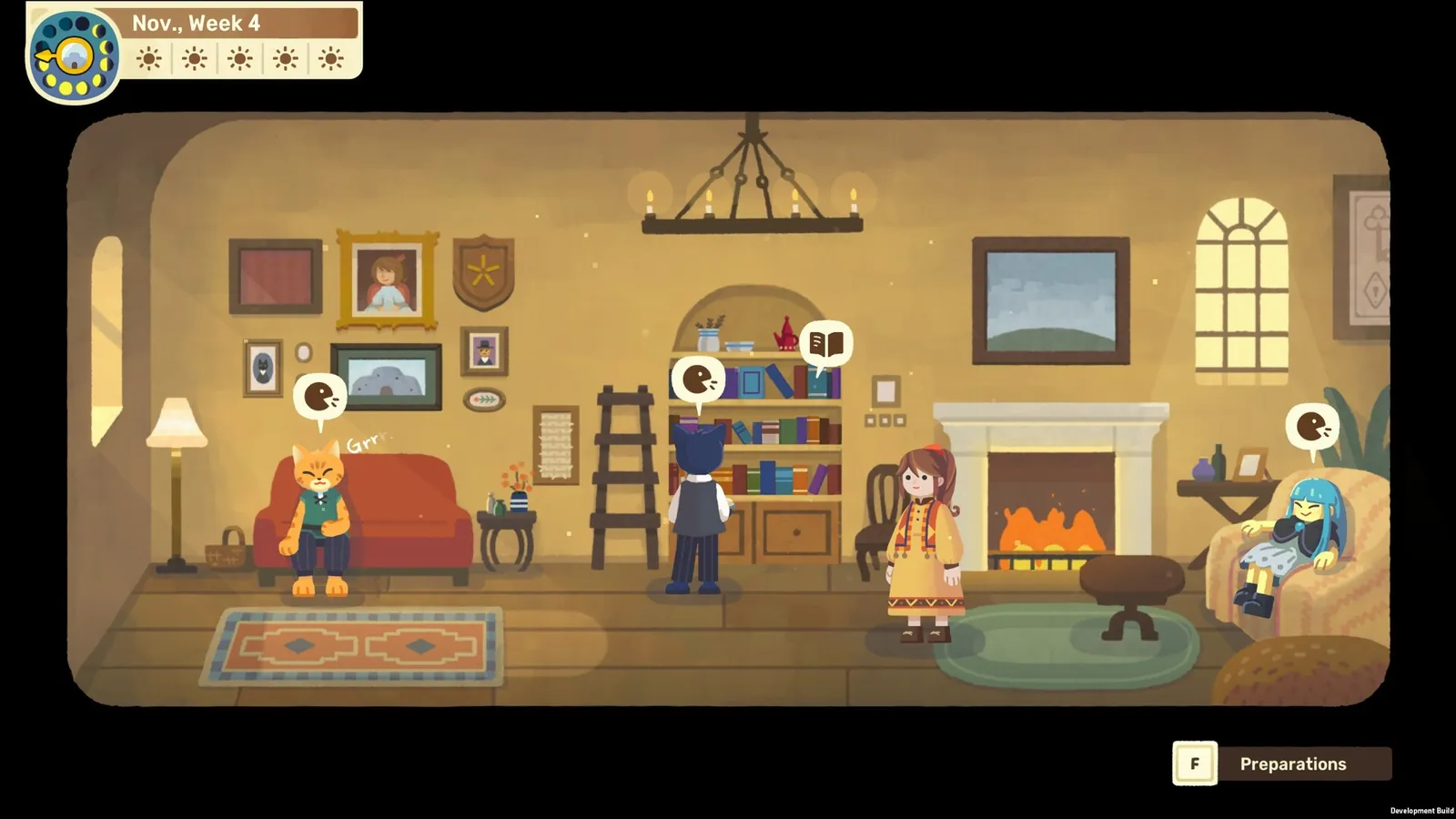
| Freeze when pressing Preparations as the lobby opens | 1.0.0.261028.1 (29 Oct) | The button now works once the lobby view has fully loaded |
| Freeze when clicking the NPC tokens during combat | 1.0.0.261027 (27 Oct) | Clicks on the Butter or Wisp tokens are now prevented |
| Game not functioning on a Traditional Chinese system | 1.0.0.261024.1 (24 Oct) | Fixed text display and game function errors on Traditional Chinese systems |
| Dialogue characters shown for one frame on Steam Deck | 1.0.0.261028.1 (29 Oct) | Fixed the one-frame display when starting a stage |
The pattern is worth noticing: three of these are interface-timing problems, not graphics failures. If your game “freezes”, check whether the trigger is a specific button or a specific arrival before assuming a driver problem.
The order to check, least disruptive first
- Update the game. The launch build is already several versions behind. Confirm the version number matches or exceeds 1.0.0.261028.1 before treating a freeze as unresolved.
- Note exactly what you clicked or what happened on screen. “It froze” cannot be matched to a patch; “it froze when I pressed Preparations as the lobby appeared” can.
- Back up your save folder. The path is documented on the save file page. Copy the folder somewhere else; do not delete or move the original.
- Use Steam’s own file verification, which checks the local installation against the depot. It is a Steam client feature rather than game advice, and it is safe and reversible.
- Report it with the version number and the trigger. The developers link a feedback form and Discord from every announcement.
What this page will not tell you to do
It will not tell you to delete your save, disable security software, or repeat a reinstall loop. None of those appear in the official notes, and the save folder is the one thing in this process you cannot regenerate.
About “startup crashes” specifically
The word crash does not appear in the official notes checked here. What exists is a loading stall, a set of freezes with named triggers, and language-specific failures. That is a real difference: a stall after the engine starts is not the same fault as a crash on launch, and the fixes above do not claim to cover the latter.
If your symptom is a hard crash before the window ever appears, the remaining honest advice is to capture the version number, the platform and any Windows error text, then report it. That is also what the patch notes page is for — it is updated when new hotfixes land.